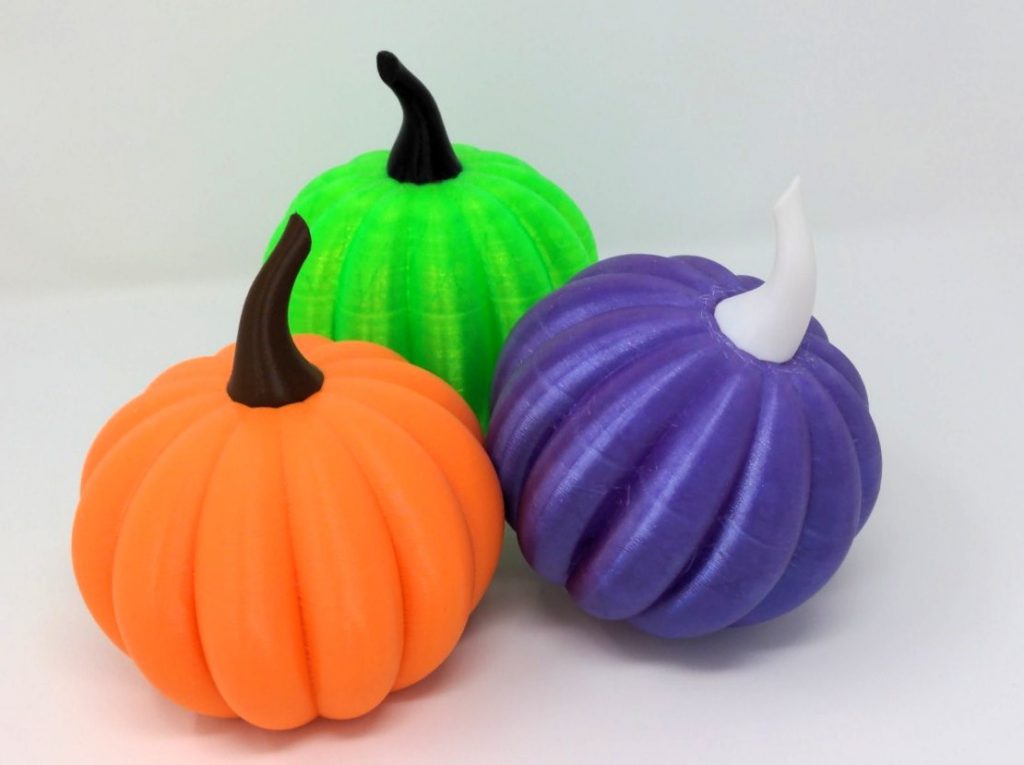
The first step of 3D printing something out of plastic is to define or get a 3D model of the object you would like to print. To define the object you would use 3D CAD (Computer-aided Design/Drafting) software like OpenSCAD, Autodesk Fusion 360, SketchUp, or OnShape that allow you to design your object and export the result as an .STL file. Alternately, you can search and find a part that has already been designed that also meets your needs. There a numerous 3D model repositories and index sites online where you can download (free and paid) models to print.
Once you have your desired object defined, it will be loaded into software called a slicer (we use PrusaSlicer) that will break the 3D object into a series of discrete layers and generate the step-by-step instructions for the 3D printer to follow to create the object. There are many variables (layer height, perimeters, infill type, infill density) and configurables (support, rafts, brims) that can be modified in the slicer to get the exact print result you want. The output of the slicer software is a .gcode file containing all the instructions.
This .gcode is then loaded onto the 3D printer along with the desired filament and the printer is given the instruction to start printing. The printer will heat up the bed and nozzle, the step through the instructions (gcode) created by the slicer. Depending on the size of the object, the layer height, density of infill the printing of your object can take anywhere from tens of minutes to tens of hours or even multiple days.
Once the print is finished the printer will cool down and the print will be removed from the print bed. Any necessary post processing (removing supports, sanding surfaces, finishing, painting) would then be performed. This process ends with a 3D plastic model of the object you designed or selected.
While the capabilities of 3D printers continue to increase and prices continue to decrease, we realize that not everyone wants to do every step of this process. We can help by performing any or every step of this process for you, or we can assist you in any area where you need help.